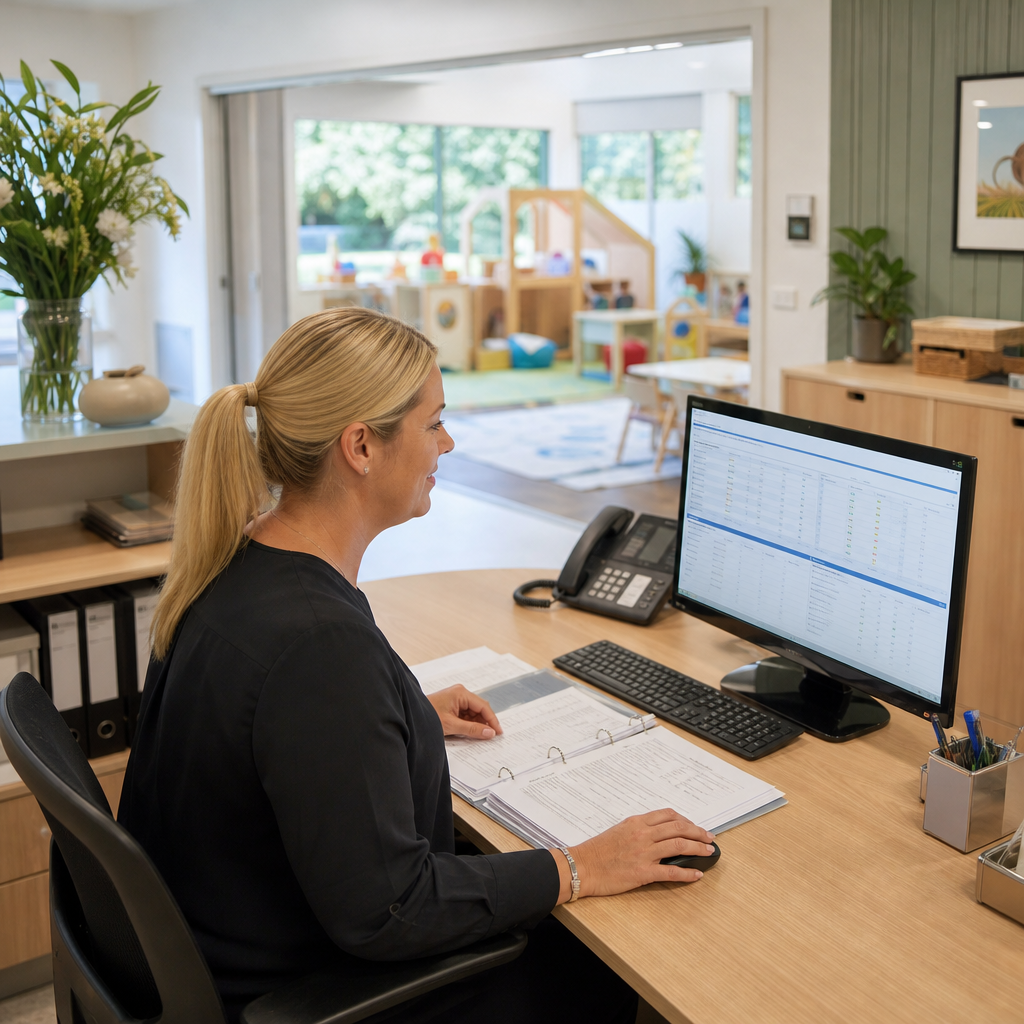
A childcare centre may have a full waitlist, regular enrolment enquiries and a capable administration team, yet still struggle to turn available places into confirmed starts.
The problem is often not demand. It is the handoff between systems and people.
A parent might enquire through the website, provide information by phone, send documents by email and later update their child’s days of attendance through a conversation with the centre. Staff may record each part in different places: an inbox, a spreadsheet, a childcare management platform, shared folders and billing software.
Each record can look reasonable on its own. Together, they create uncertainty.
Staff may not know whether a family has supplied all required information, whether a place is genuinely available, whether a change has reached the billing process or whether someone has followed up with the parent. The result is duplicated work, delayed enrolments and uncomfortable conversations.
The operational problem is usually the handoff
For a growing centre, enrolment is not one task. It is a chain of related activities:
- A family makes an enquiry.
- Staff assess the requested days and likely availability.
- The family receives information and an enrolment link.
- Documents and details are collected.
- The child is allocated to suitable days.
- Attendance, room and staffing information is updated.
- Billing and payment arrangements are confirmed.
- The family receives a clear starting plan.
When these steps are managed separately, the centre depends on staff remembering what has happened and what should happen next.
A parent may believe the enrolment is complete because they submitted a form, while the centre is still waiting for a document. A place may appear available in one system but be unavailable once room capacity or requested days are considered. A change to booked days may be accepted by email but never reach the person responsible for billing.
The business impact is practical:
- administration time is spent checking records rather than helping families;
- vacant days may remain unfilled while staff work through a waitlist manually;
- parents receive inconsistent updates;
- billing corrections become more likely;
- room planning becomes harder;
- important information can be hidden in individual inboxes.
The centre does not necessarily need a new all-in-one platform. It needs a clearer process around the systems it already uses.
Start by defining the enrolment record
Before automating anything, the centre should decide what information must be visible in one working record.
That might include:
- parent and child contact details;
- requested and confirmed attendance days;
- enrolment status;
- missing documents or information;
- preferred commencement date;
- room or age-group requirements;
- billing setup status;
- responsible staff member;
- next action and due date.
This does not mean copying every field from every system into a new database. It means identifying the operational facts staff need to answer basic questions quickly:
- Is this enquiry still active?
- What is preventing the enrolment from progressing?
- Who owns the next step?
- Has the requested place been confirmed?
- Which systems need to be updated?
A simple status model can be more useful than a complex dashboard. For example:
New enquiry → Information sent → Application started → Awaiting documents → Ready for review → Place offered → Confirmed → Commenced
Each status should have a clear meaning and an expected next action.
Connect the website to the operating workflow
A website enquiry form is often treated as a marketing feature, but for a childcare centre it can be the first step in an operational process.
A practical form can collect enough information to support an initial response without asking families to complete an unnecessarily long application. It can capture requested days, preferred start timing, child age range and contact details, then send the enquiry into a controlled workflow.
From there, the centre might:
- acknowledge the enquiry automatically;
- assign it to an administrator;
- check the request against current availability;
- send the appropriate information pack;
- create a follow-up task if the family does not continue;
- move the record into a formal enrolment process when the family is ready.
The automation should not make decisions that require staff judgement. It should make the next step visible and reduce repetitive administration.
Treat changes as events, not casual messages
The most difficult information to control is often not the initial enrolment. It is the change that happens afterwards.
Families may request a different day, change their start date, update contact details or ask about additional sessions. If these changes remain in email threads or verbal conversations, the centre can end up with several versions of the truth.
A better workflow can give changes a defined path:
- The request is captured in a form or structured staff entry.
- The current record is shown for review.
- The change is assessed by the appropriate person.
- The relevant systems are updated.
- The parent receives confirmation of what has changed.
- The change is recorded with its effective date.
This is particularly important for information that affects billing, staffing or available places. A request should not be treated as complete merely because someone has replied to an email.
Add validation and exception handling
Automation is most useful when it handles predictable work and highlights exceptions.
For example, a workflow could flag:
- a child with confirmed days but no completed billing setup;
- an enrolment with a start date but missing required information;
- a requested day that exceeds the centre’s configured capacity;
- a family waiting for a response beyond the centre’s target timeframe;
- a change that has been approved but not yet synchronised to another system.
These checks do not replace staff oversight. They help staff focus attention where the process is at risk.
The workflow should also record failures. If an integration cannot update another system, staff need a visible alert and a safe way to retry or complete the step manually. A silent failure is worse than a manual task because it creates false confidence.
Improve the process before choosing new software
A centre should first map how enrolments actually move through the business. Include the administration team, centre leadership and anyone responsible for billing or room planning.
Look for:
- repeated data entry;
- unclear ownership;
- information that is recorded but not used;
- changes that rely on email;
- reports assembled manually;
- steps where staff regularly ask, “Has this been done?”
The right response may be configuration of an existing platform, a structured website form, a small integration, a lightweight internal workflow or better reporting. Custom software may be justified only where the centre has a specific gap that cannot be handled reliably by its current tools.
The central lesson is simple: enrolment growth creates pressure at the points where information changes hands. Connecting those handoffs can help a childcare centre respond to families faster, reduce avoidable corrections and make available places easier to manage.
If your business is struggling with disconnected enrolment, administration or customer workflows, visit Melbourne Digital Solutions. Nate and Ben are available there to answer questions and help you think through practical options.